
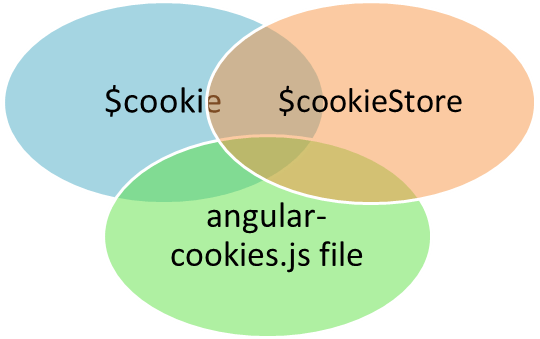
- AngularJS framework provides cookie module ngCookies package.Also it provides cookieStore object with get(),put() and remove() method.
- The cookie feature is available in angular-cookies.min.js file.
- In this demo, "We will demonstrate cookie and cookieStore use in simple example".
<!DOCTYPE html>
<html ng-app="myApp">

<head>
    <script src="//ajax.googleapis.com/ajax/libs/angularjs/1.3.0-beta.1/angular.min.js"></script>
    <script src="//ajax.googleapis.com/ajax/libs/angularjs/1.3.0-beta.1/angular-cookies.min.js"></script>
    <meta charset="utf-8">
    <title>AngularJS Cookies Example</title>
</head>

<body ng-controller="MyController">
    {{platformCookie}} {{myFruit}}

    <script>
        var myApp = angular.module('myApp', ['ngCookies']);

        myApp.controller('MyController', ['$scope', '$cookies', '$cookieStore', '$window', function($scope, $cookies, $cookieStore, $window) {
            $cookies.userName = 'Sandeep';
            $scope.platformCookie = $cookies.userName;
            $cookieStore.put('fruit', 'Apple');
            $cookieStore.put('flower', 'Rose');
            $scope.myFruit = $cookieStore.get('fruit');
        }]);
    </script>
</body>

</html>
- Below code represents the JSBIN for the tutorial and also present in JSBIN link.
